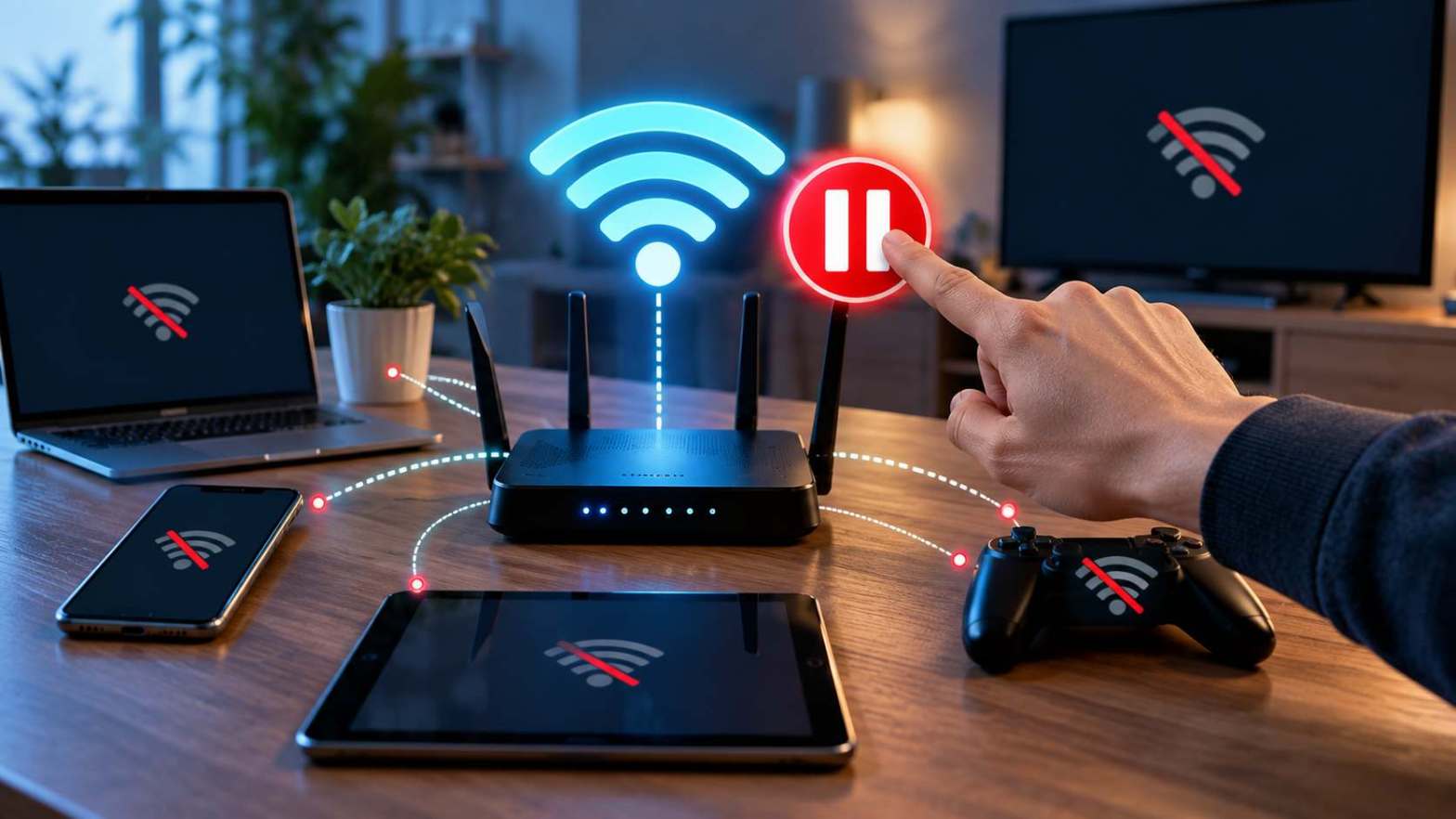
A WiFi Session controls how a device communicates with a wireless network. When you connect a phone, laptop, tablet, or another device to WiFi, the router creates a connection between the device and the network. This connection allows the device to send and receive data. Many modern routers also provide a pause feature that lets the network administrator stop internet access for a specific device. The pause action can look simple, but several network processes can happen behind the scenes. Understanding pause time helps users know what happens to a device after they press pause and what changes after they restore access.
What Is a WiFi Session?
A WiFi Session begins when a device connects to a wireless network. The device first connects to the router through the WiFi connection. The router then manages communication between the device and the internet. The device usually receives an IP address from the router through DHCP. This address helps the router identify the device on the local network. The router also keeps information about the device, such as its MAC address, connection status, and network activity.
A WiFi Session can remain active while the device stays connected to the router. The session can change when the device disconnects, reconnects, changes networks, or loses the wireless signal. The router can also apply access rules to the device during the session. These rules can allow internet access, restrict access, or pause access based on settings created by the network administrator.
What Does the Pause Feature Do?
The pause feature stops internet access for a selected device. Many routers and WiFi management systems include this option for parental controls or network management. When an administrator selects a device and presses pause, the router applies a restriction to that device. The device may remain connected to the WiFi network, but it cannot access the internet normally.
This difference matters because WiFi access and internet access are separate functions. A device can still show a WiFi connection even after the router blocks its internet access. The device may communicate with the local router, but external websites and online services may stop working. Some routers may show a message such as “Internet paused” or “Access paused” on the management app.
What Happens to Your WiFi Session After You Press Pause?
When you press pause, the router identifies the selected device and applies the pause rule. The router can use the device MAC address, assigned IP address, or another device identifier to apply the rule. The exact process depends on the router model and its software.
The WiFi connection can stay active after the pause command. Your phone or computer may still display the WiFi icon. However, internet requests may fail because the router blocks traffic from the paused device. A browser may stop loading websites. Streaming apps may lose their connection. Online games may disconnect. Other devices connected to the same router can continue using the internet if the pause rule applies only to the selected device.
The WiFi Session therefore does not always end when you press pause. In many cases, the router changes the access permissions for that session. The device stays connected to the wireless network, but the router stops normal internet communication.
How Does Pause Time Work?
Pause time determines how long the access restriction remains active. Some routers allow an administrator to pause a device until the administrator manually restores access. Other systems provide a schedule or a fixed period for the pause.
For example, a router can pause a child’s tablet for two hours. During that period, the tablet can remain connected to WiFi while internet access stays blocked. After the pause time ends, the router can remove the restriction and allow the tablet to access the internet again.
The exact behavior depends on the router software. Some systems apply the pause immediately. Other systems can take a short time to update the device status. The router may also refresh the network connection after the pause command. Users should therefore check the router’s management app or settings page to confirm the current status.
What Is 10.0.0.0.1 Pause Time?
The term 10.0.0.0.1 pause time often appears in searches about router controls and WiFi restrictions. Users may use this term when they want to understand how a pause feature works through a router administration page. However, 10.0.0.1 is commonly used as a private router IP address, while 10.0.0.0.1 is generally not the standard address used for router administration.
A router may use an address such as 10.0.0.1 to open its local administration page. The exact address depends on the router manufacturer and network configuration. Users should check the router label, documentation, or network settings before entering an address into a browser.
The pause time setting itself depends on the router interface. Some routers provide a direct pause button in a mobile app. Others provide parental control settings through the router’s web interface. Users should follow the controls provided by their specific router instead of assuming that every router uses the same pause time options.
Does Pausing WiFi Disconnect the Device?
Pausing WiFi access does not always disconnect the device from the wireless network. Many routers keep the device connected to WiFi while blocking its internet traffic. This behavior allows the router to apply access control without forcing the device to reconnect.
The result can confuse users because the WiFi icon may remain visible. A phone can show a strong WiFi signal even though websites do not open. This happens because the wireless connection between the device and router can remain active while the router blocks internet traffic.
Some routers can behave differently. A specific router may disconnect the device, reject new traffic, or apply another access control method. The router’s software determines the exact behavior.
What Happens to Active Downloads and Streaming?
A pause command can affect active internet activities immediately. If a device is downloading a file when the administrator presses pause, the download can stop or lose its connection. A video stream can stop playing because the application cannot receive new data. A music service can also stop streaming.
Some applications can recover automatically after internet access returns. Other applications may require the user to restart the activity. For example, a browser may reload a page after the connection becomes available again. A game may require the player to reconnect to the server.
The effect depends on how the application handles network interruptions. The router controls network access, but the application controls how it responds to a lost connection.
Does Pause Time Affect All Devices?
A pause rule usually applies to the device selected by the administrator. If the administrator pauses one phone, other phones and computers can continue using the network. This setup allows a router owner to control individual devices without stopping internet access for the entire household.
Some router systems also provide group controls. An administrator can place several devices into a group and apply the same pause time to all devices in that group. For example, a family can place children’s tablets and gaming consoles in one group and create a shared access schedule.
The available options depend on the router model and its management software. Users should check the device list and parental control settings to understand which devices receive the pause rule.
What Happens When Pause Time Ends?
When pause time ends, the router removes or disables the access restriction according to its settings. The device can then regain internet access. If the WiFi connection remained active during the pause, the device may start working again without reconnecting.
Some devices may need a few seconds to restore normal traffic. Applications can also need time to reconnect to their servers. A browser may load websites again after the network becomes available. A streaming application may resume playback or may require a manual restart.
If internet access does not return after the pause time ends, users can check the router’s device list and access controls. They can also reconnect the device to WiFi and test another website or application.
Can You Check the WiFi Session Status?
Most modern routers provide a device management page or mobile application. These tools can show connected devices and their current access status. The router may display the device name, IP address, MAC address, connection type, and other network information.
The management interface can also show whether a device is paused. If the device appears connected but cannot access websites, the administrator can check the pause setting first. The administrator can then remove the pause rule or wait for the configured pause time to end.
The exact information varies by router. Some interfaces provide detailed device information, while others show only basic connection status.
Why Does a Device Still Show WiFi After a Pause?
A device can still show WiFi after a pause because the wireless connection and internet connection are different. The device communicates with the router through the WiFi signal. The router then controls access from the local network to the internet.
When the router pauses a device, it can block the second part of this connection. The device remains associated with the wireless network, but the router does not allow normal internet traffic. This explains why the WiFi icon can remain active while websites fail to load.
This behavior also helps explain why restarting a paused device does not always solve the problem. If the router still has an active pause rule, the device can reconnect to WiFi and remain blocked from the internet.
How Can You Restore Internet Access?
The network administrator can restore access through the router’s management system. The administrator can open the connected device list, select the paused device, and choose the option to resume or unpause access. The router then changes the access rule for that device.
If the pause time has already ended but the device still has no internet access, the user can reconnect to WiFi. The user can also restart the device’s WiFi connection. If the problem continues, the administrator can check other settings such as parental controls, schedules, device restrictions, and internet service status.
Users should avoid changing router settings without understanding their purpose. Incorrect network settings can affect other devices connected to the same router.
Final Thoughts on WiFi Session and Pause Time
A WiFi Session manages communication between a device and a wireless router. Pressing pause usually changes the device’s internet access rather than simply turning off its WiFi connection. The device can remain connected to the router while the router blocks internet traffic.
Pause time controls how long that restriction stays active. The exact behavior depends on the router and its software. The term 10.0.0.0.1 pause time can refer to searches about router pause controls, but users should verify the correct router administration address because 10.0.0.1 is a common private router address, while 10.0.0.0.1 is generally not the standard router login address.
Understanding these differences makes it easier to identify what happens after pressing pause. It also helps users manage connected devices, understand internet restrictions, and restore access when the pause period ends.

